Free AI Visibility Score — See how AI finds and cites your website
How to write proper schema markup for your site
.jpg)
.webp)
Most schema markup gets treated as something to generate once and forget about, often left to whatever a CMS produces automatically. But structured data that's inconsistent, inaccurate, or applied without much thought can do more harm than good. Writing proper schema markup isn't complicated, but it does mean following a few consistent habits every time.
1. Give Every Entity a Consistent ID
Your organisation, and any service or product tied to it, should be described the same way everywhere it appears. Set an @id for your Organization once, then reference that same @id from every other page instead of redefining the entity each time. This tells search engines that every mention across your site points to the same thing, rather than several unrelated ones.
.webp)
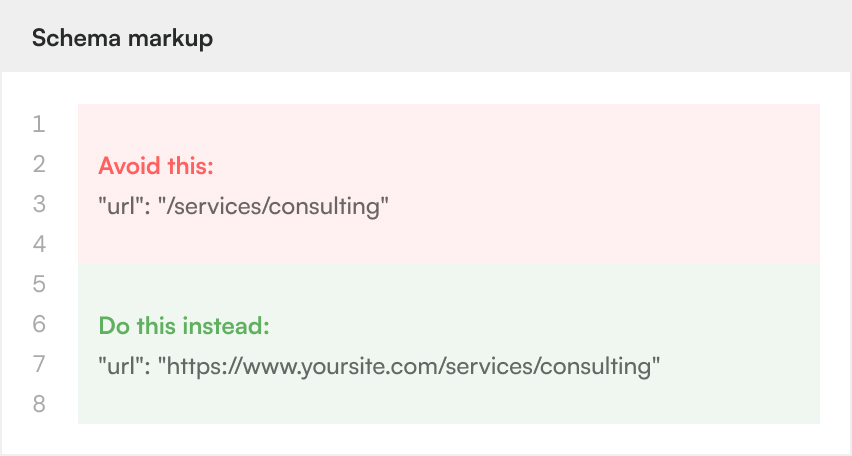
2. Match Your Canonical Domain Exactly
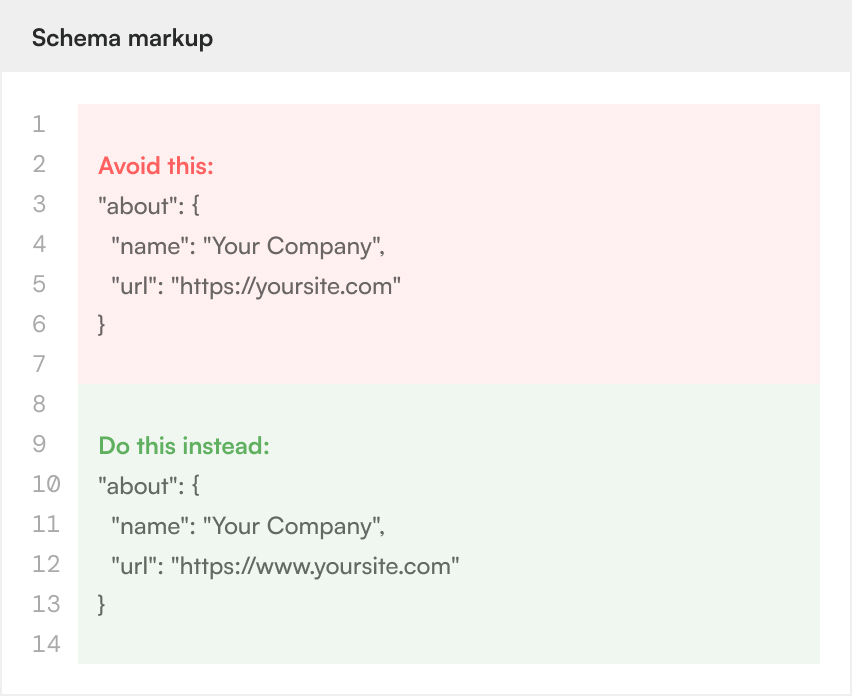
A small inconsistency, like mixing www and non-www, or http and https, across different schema blocks can cause search engines to treat what should be one entity as two. Before publishing any schema, check that every URL matches your canonical domain format exactly, including in fields you might not think to double check, such as an "about" or "provider" reference.
3. Only Include What's True
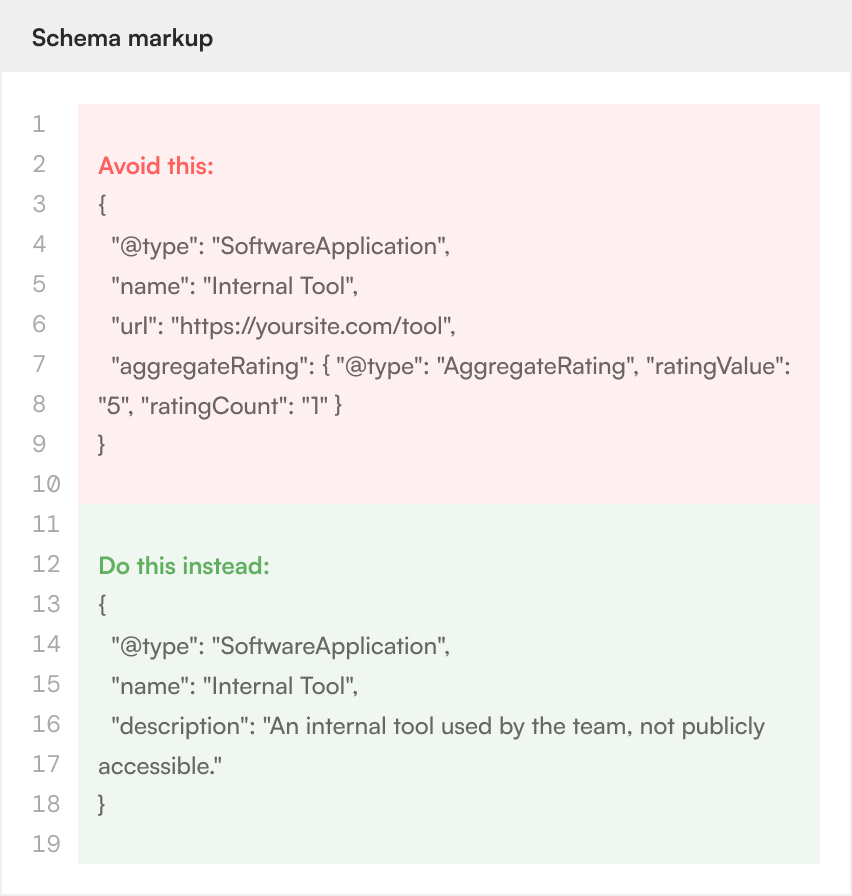
It's tempting to add a URL, rating, or capability to make an entity look more complete, but structured data should only ever describe what's actually there. An internal tool doesn't need an invented public URL, and a service shouldn't claim a feature it doesn't have. Accurate, minimal schema will always hold up better than padded schema, both to search engines and to anyone who checks the claims against the page itself.
4. Choose the Right Type for the Content
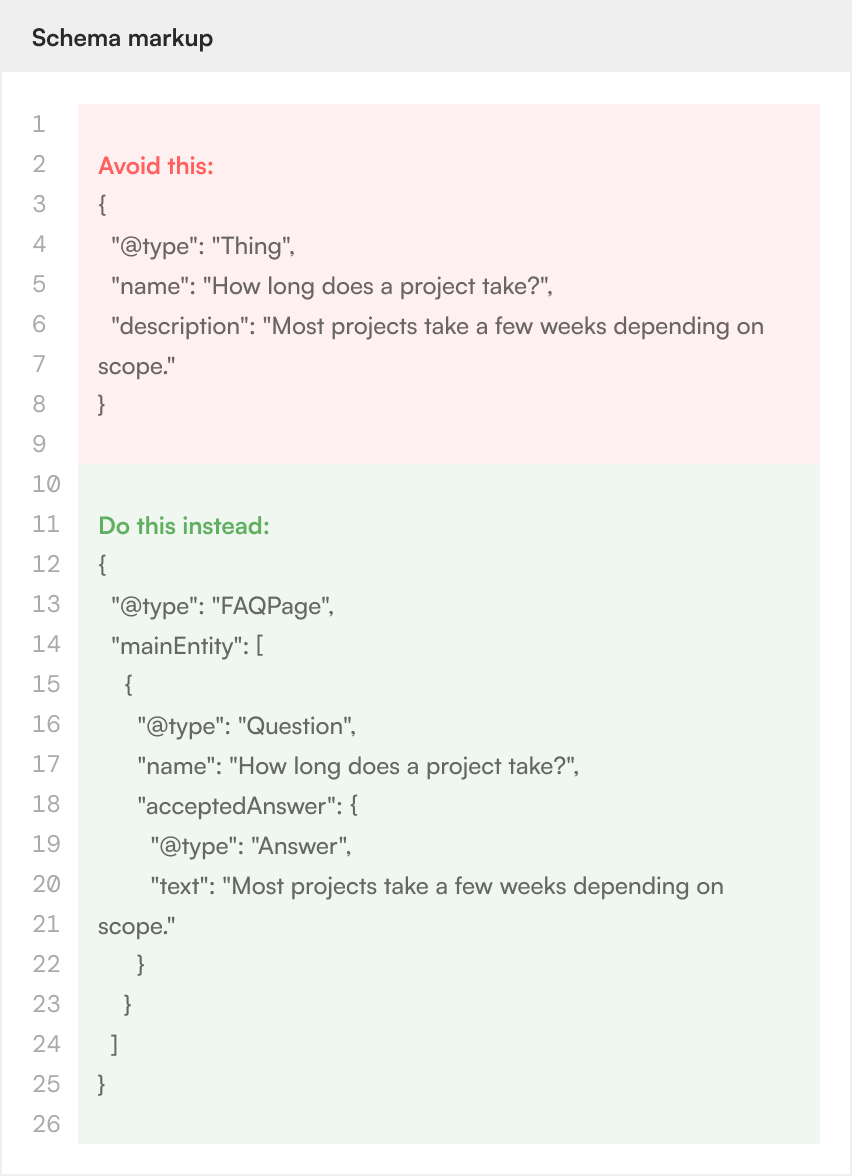
Schema.org offers a specific type for most kinds of content, and picking the right one matters. A genuine set of questions and answers should use FAQPage, a real service should use Service, and an actual software product should use SoftwareApplication. Applying a generic type, or the wrong type, to save time makes the markup less useful to the systems reading it.
5. Reference Shared Entities, Don't Repeat Them
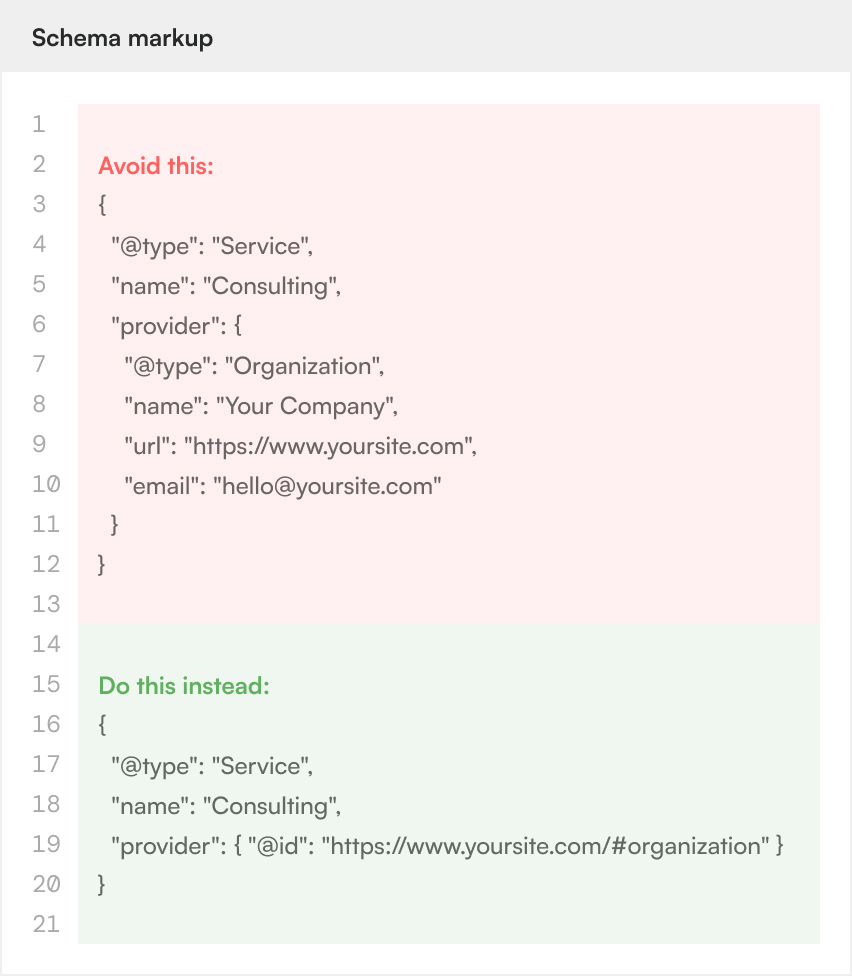
When a service, product, or page relates back to your organisation, link to it rather than describing it again from scratch. A Service entity should reference its provider by @id, not repeat the organisation's name, URL, and description inline. This keeps your schema consistent if any of those details ever change, since there's only one place to update them.
6. Test Before You Publish
CMS platforms often generate schema automatically, but that output isn't always correct out of the box. Relative URLs, missing fields, and mismatched types are common. Run new or updated schema through a validator, such as Google's Rich Results Test, before treating it as finished, rather than assuming an export is ready to go live.
In Summary
Writing proper schema markup comes down to a handful of habits: consistent entity references, exact domain matching, honest claims, correct types, shared entities over duplicated ones, and a final check before anything goes live. None of these take much extra time, but skipping them quietly weakens how well search engines and AI tools understand your site. Get the habits right once, and every new page benefits from the same consistency going forward.
Let's unleash your digital growth together